Before your next swipe, know what it’s really costing you. Grab the FREE Download→

STOP...paying 2.99% in Quickbooks processing fees to collect your own money.
Every time a customer clicks "Pay now" on your invoice, high quickbooks credit card processing rates take a massive cut off the top. On big invoices, that's thousands a year. AGMS provides credit card processors that integrate with QuickBooks seamlessly—keeping your QuickBooks Online books and automatic payment syncing while dropping your credit card fees for quickbooks.

You Earned The Invoice. Keep More of It.
How much are quickbooks processing fees costing your business?
paid to QuickBooks per year at 2.99%
paid over the next 5 years if nothing changes
you'd keep each year for every 1 point lower rate
See what other Quickbooks Users are saying....

Five ways QuickBooks Payments quietly drains your invoices.
Pulled from what business owners post on the QuickBooks Community forum and in software reviews.
2.99% on every card-paid invoice
The bigger the job, the bigger the bite
The rate is a flat percentage, so a $25,000 invoice costs you $747.50 just to get paid. Owners who bill large jobs feel it most.
Extra charges stack on top
Speed and protection cost more
Intuit lists 1.75% for instant deposits, dispute protection starting at 0.99%, and 3.5% for keyed-in cards.
Payments put on hold
Your money, stuck in review
Forum threads describe client payments held for weeks or months, and merchant accounts closed with funds still inside.
Hard to reach a human
Hold music when cash is on the line
Owners describe dozens of calls and open cases before anyone could explain a hold. QuickBooks sales lines run weekday hours only.
"I thought I was stuck"
The invoice button only knows one processor
QuickBooks Online's built-in Pay now link runs through QuickBooks Payments, so most owners assume there's no other option. There is.
A tax advisor on G2 said a single $2,500 payment cost about $73 in fees and made them hesitant to use it for large invoices.
Paraphrased from a G2 review of QuickBooks Payments
A business owner wrote that a client paid three months earlier, and after 20+ calls and several cases the money still hadn't arrived.
Paraphrased from the QuickBooks Community forum, 2026
Another owner said every payment their new business received had been placed on hold.
Paraphrased from the QuickBooks Community forum, 2026
Same QuickBooks.
Different processor.
Everything you like about invoicing in QuickBooks stays. The fee and the support change.
Grab the Free The Profit Protection Blueprint
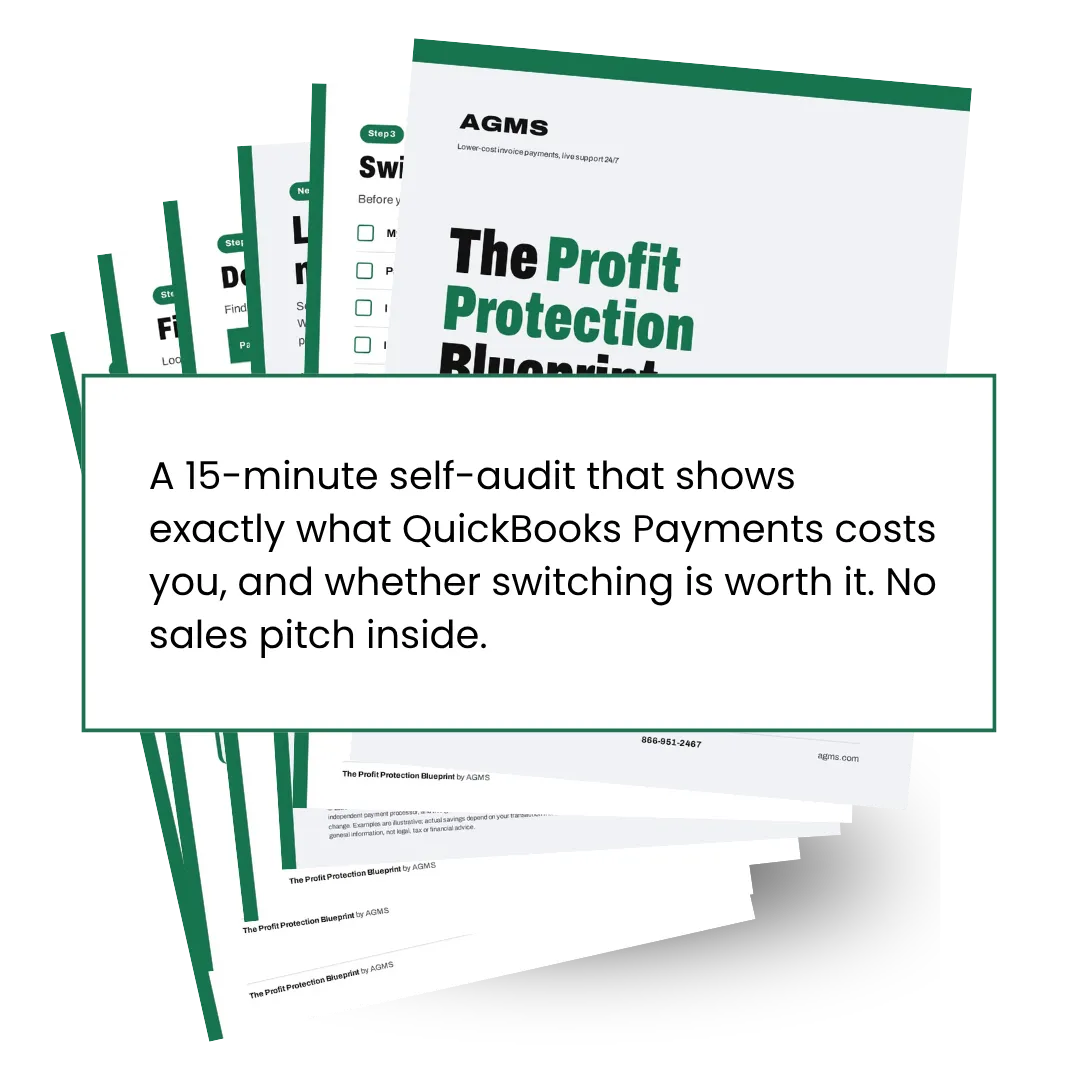
Fee audit worksheet to find your real 12-month cost
Effective-rate math to compare processors
10-point checklist to keep QuickBooks and Pay Now links working
Key questions on contracts, holds, and support
Surcharge and dual-pricing basics
Simple AGMS specialist review
By filling out this form, you agree to receive automated text messages from AGMS. We’ll handle your info according to our Privacy Statement
By filling out this form, you agree to receive automated text messages from AGMS. We’ll handle your info according to our Privacy Statement
Grab the FREE
The Profit Protection Blueprint
Fee audit worksheet to find your real 12-month cost
Effective-rate math to compare processors
10-point checklist to keep QuickBooks and Pay Now links working
Key questions on contracts, holds, and support
Surcharge and dual-pricing basics
Simple AGMS specialist review
Questions owners ask before switching.
Do I have to stop using QuickBooks Online?
No. You keep QuickBooks Online for invoicing and your books. AGMS only replaces the processor behind the Pay now link.
Will my customers notice anything?
Great news! They still get an invoice with a Pay Now link that's quicker and easier to use.
QuickBooks offered me a discount. Is it still worth switching?
Intuit says businesses processing over $2,500 a month may qualify for up to 25% off transaction costs. Even at 25% off, 2.99% is still about 2.24%. Run both numbers through the blueprint and compare.
Can I pass the fee on to my customers instead?
Sometimes. Surcharging and dual pricing have card-brand rules and some state limits. The blueprint covers the basics, and your specialist can walk you through what applies to you.

Avant-Garde Marketing Solutions, Inc. dba AGMS Merchant Services
214-491-4400
5605 FM 423, Ste 500, PMB 137
FRISCO, TX 75036
Copyright 2026. AGMS. All Rights Reserved.